Series · 13 of 14 parts · 385 min so far
Claude Agent SDK in Production
Build an AI data analyst with FastAPI and Next.js: an agent that reads your files, writes its own Python, and streams every step, taken from first run all the way to a real server.
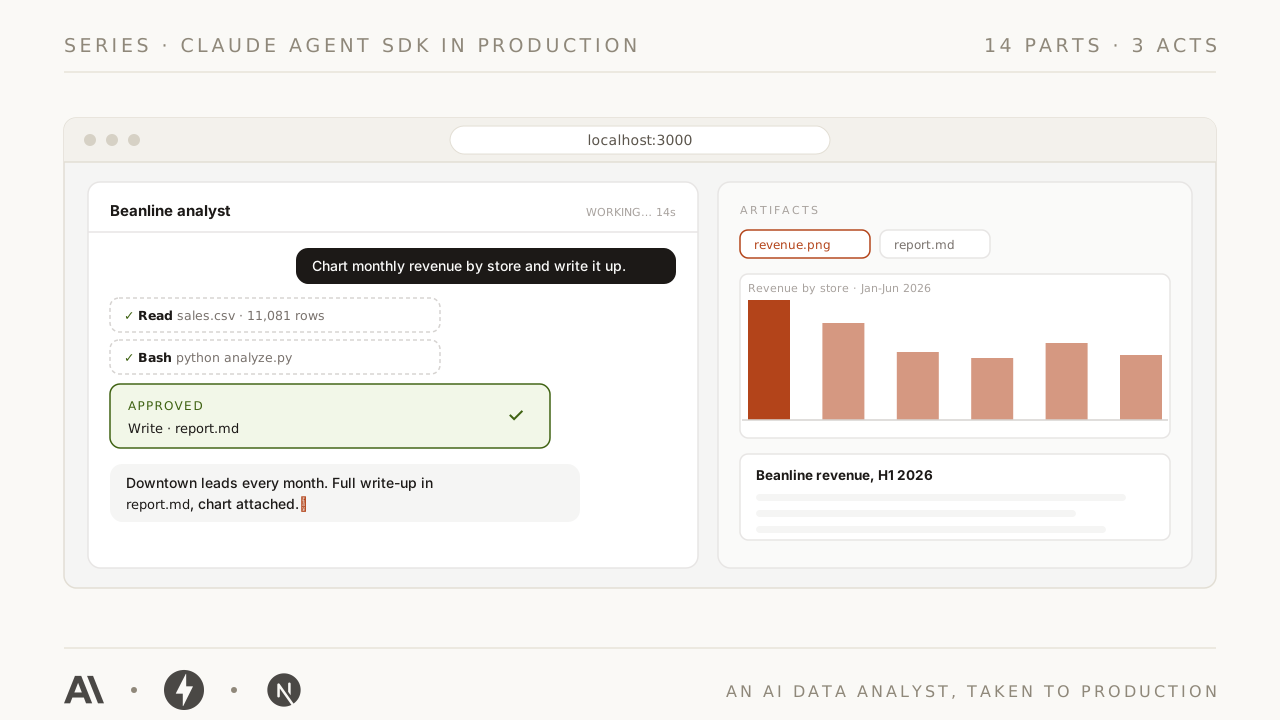
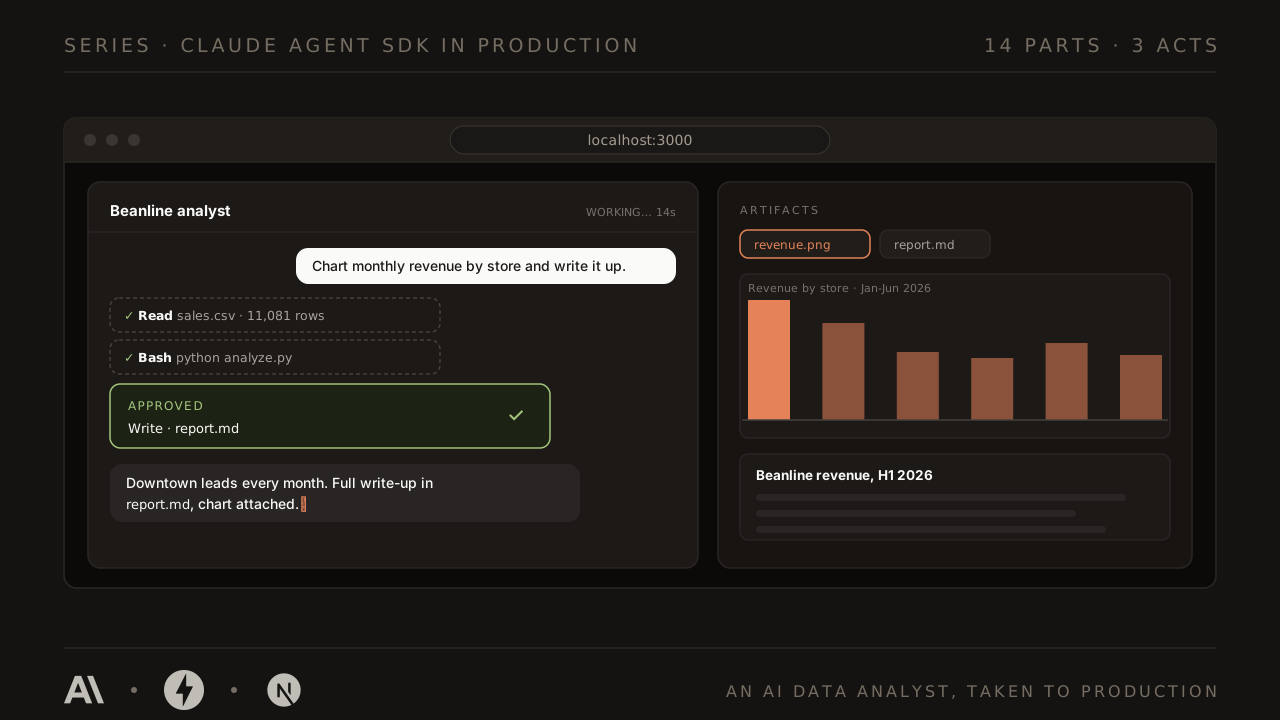
The Claude Agent SDK is the engine inside Claude Code, shipped as a Python library. You don't build an agent loop, a tool executor, or a context manager; you pip install all of it, working the way it works in a product used by millions. This series is about what you build around that engine, and what it takes to trust the result.
What you build is an AI data analyst that runs on your machine and, by the end, on a real server. Drop a CSV into its workspace, ask a question in plain English, and watch it read your files, write and run its own pandas, and hand you back a chart and a written report, with every step streaming live into the UI, every risky command waiting for your approval, and every run surviving a page refresh.
Fourteen parts, three acts:
- Act I (Parts 1 to 5): build the product. The complete working analyst: agent behind HTTP, streaming UI with live tool activity, file uploads and artifacts, conversation memory.
- Act II (Parts 6 to 9): guardrails and durability. Custom tools with real safety, human-in-the-loop approvals, hooks that audit everything, and streams that survive a refresh.
- Act III (Parts 10 to 14): advanced capabilities and shipping. Plan mode and structured questions, subagents and skills, the MCP ecosystem and sandboxing, evals and budgets, and a real deployment to a Hetzner VM.
Should you do the LangGraph series first?
This series is deliberately one notch up from LangGraph from Scratch. That one builds the engine by hand, from a beginner's first FastAPI endpoint to a deployed chatbot; this one drops in a crate engine and builds the car around it. So:
- If you can write a FastAPI endpoint and a React component, and you've seen server-sent events at least once, start here. Whenever a basic is needed, the exact LangGraph part that teaches it is linked, and you can detour or not.
- If FastAPI or Next.js are new to you, do the LangGraph series first. It teaches every fundamental this one assumes, and the two apps rhyme on purpose: same backend framework, same streaming wire format, same frontend patterns.
Four rules hold across all fourteen parts:
- Every part ends with something running. Never "trust me, this pays off later".
- Versions are pinned. The SDK moves fast; every part states exactly what it was written and tested against, so you can tell version drift from a genuine mistake.
- Costs are real. Agent loops multiply tokens, so every part prints what its runs actually cost, measured, not estimated, and the habit graduates into hard budget enforcement in Part 13.
- Errors are part of the curriculum. Each part breaks something on purpose and reads the real output with you.
All the code lives in the companion repo, claude-agent-sdk-in-production: one folder per part, each the complete project exactly as it exists at the end of that part, tested end to end against the live SDK. Inside every part, code blocks with a GitHub icon in the header link straight to the exact file in the repo.
What you need: a laptop (macOS or Linux; on Windows, WSL2), a terminal, and either a Claude subscription you already pay for or a few dollars of API credit. Part 1 covers both auth paths and how to cap what you can possibly spend.
The parts
Act I · Build the product
Part 01
Setup and Your First Agent
One pip package contains the whole engine inside Claude Code. By the end of this page it's reading your CSVs, writing its own analysis code, and handing you the bill.
· 27 min
Part 02
The FastAPI Bridge and the Event Vocabulary
The agent goes behind a URL, and its whole run streams as six kinds of labeled events. This table of six words is the most load-bearing design decision in the series.
· 24 min
Part 03
The Agent UI
Tool calls become live badges, the answer types itself out, and the analyst finally looks like a product. The backend does not change by a single line.
· 29 min
Part 04
Workspaces and Artifacts
Every conversation gets its own desk, you upload your own files, and the analyst starts handing back deliverables: charts and reports in a panel built for them.
· 32 min
Part 05
Sessions: The Analyst Remembers
One line of backend code turns amnesia into memory. Then the SDK's own session store powers a conversations sidebar, renames, and forkable analyses, and Act I closes.
· 25 min
Act II · Guardrails and durability
Part 06
Custom Tools: Give the Analyst a Database
Act II opens. Beanline's live numbers move into SQLite, and the analyst gets its first custom tool: an MCP server that lives inside your process, read-only by construction.
· 29 min
Part 07
Approvals: The Human in the Loop
Risky tool calls pause mid-turn on an asyncio.Future and wait for your click. bypassPermissions is deleted, denials become information, and Part 1's oldest debt starts getting repaid.
· 29 min
Part 08
Hooks: Guardrails and Audit Trails
A PreToolUse tripwire blocks rm with nobody awake, an append-only log answers what the agent actually did, and the prompt learns the desk's facts before the model reads it. One new file, zero new wire events.
· 24 min
Part 09
Durable Streams: Survive the Refresh
POST /chat becomes a claim ticket, a background worker cooks on, and a SQLite flight recorder makes every stream replayable. Refresh mid-run, keep your approval cards, and meet a Stop button that finally stops.
· 34 min
Act III · Advanced capabilities and shipping
Part 10
Plan Mode, Questions, and Thinking You Can Read
Act III opens with an analyst that negotiates: plan mode turns action into a proposal, AskUserQuestion turns guesses into option chips, and extended thinking puts the scratchpad on screen. All three ride machinery you already built.
· 33 min
Part 11
Subagents and Skills: The Analyst Grows a Team
A reviewer subagent re-derives the numbers in a fresh context and catches what the analyst missed, nested badges show the colleague working, and a SKILL.md hands out the house report format on demand instead of on every prompt.
· 35 min
Part 12
The Wider World: External MCP Servers and Sandboxing
Five lines plug the analyst into the open web through an external MCP server, a deliberately hostile page tests whether it can be talked into leaking your data, and a beta sandbox puts OS-enforced walls around everything the agent's Bash can touch.
· 30 min
Part 13
Trust, but Verify: Structured Outputs, Budgets, and Evals
The analyst hands back a machine-readable summary instead of a wall of prose, respects a dollar budget it cannot blow past, and passes a real eval suite that turns 'seems fine in the demo' into a pass rate you can watch move when you change a prompt.
· 34 min
Parts 14–14 are being written. They appear here as they ship.