Series · 8 of 8 parts · 217 min so far
LangGraph from Scratch
A complete beginner's guide to building a streaming AI chatbot with FastAPI, LangGraph, and Next.js.
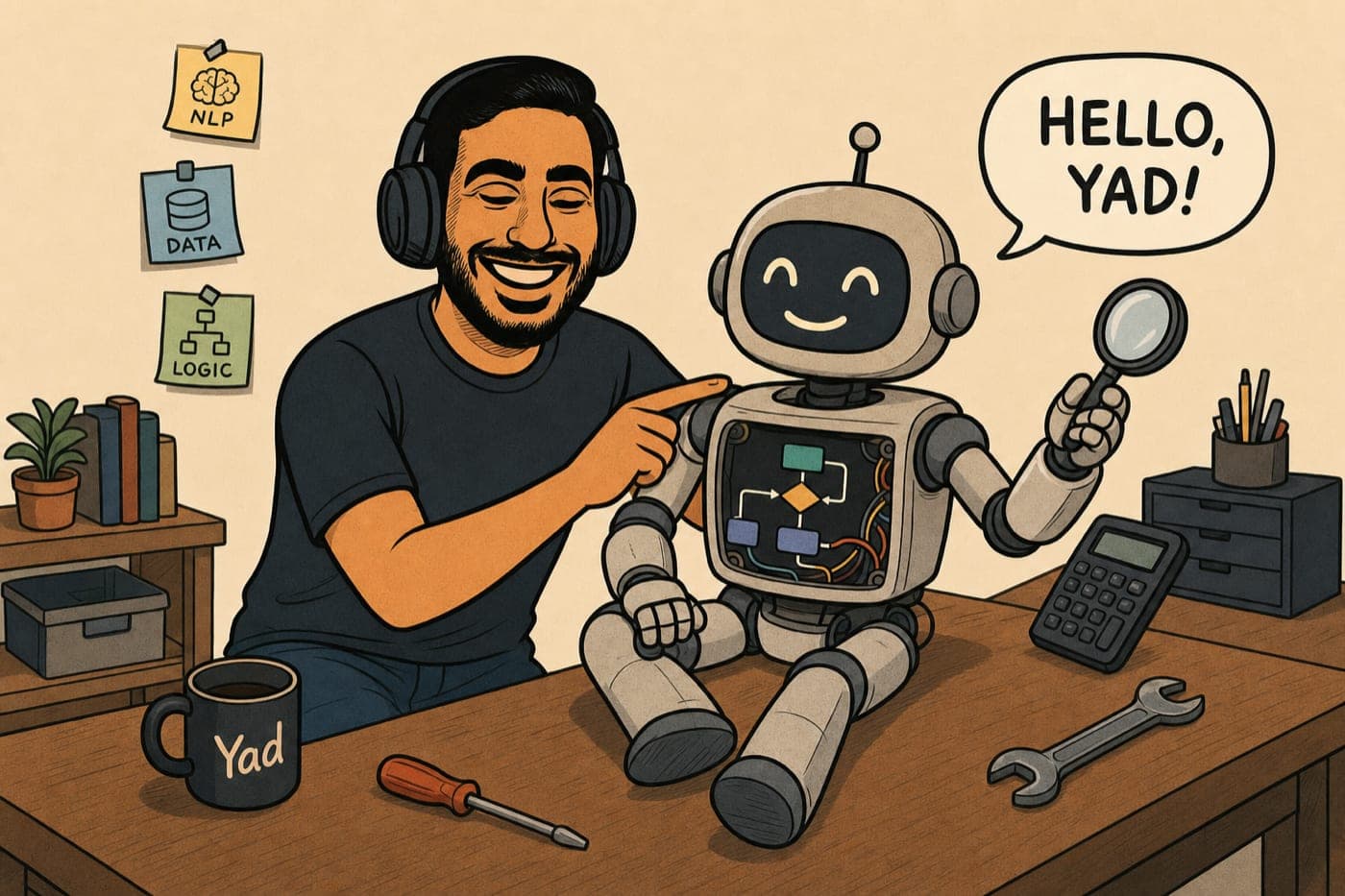
There's a particular kind of magic in typing a question into a box you built yourself and watching the answer stream back, word by word. This series is the full path to that moment, from an empty folder to a deployed chatbot that streams its answers, does real math with a calculator tool, searches the web, and remembers what you told it yesterday.
It's written for a developer who can put together a basic Python function and a basic React component but has never touched FastAPI, Next.js, or LangGraph. Every new idea gets explained the first time it appears; nothing assumes you've already read the docs.
Four rules hold across all eight parts:
- Every part ends with something running. Never "trust me, this pays off later". You finish each part with a working thing you can show someone.
- You pick one LLM provider in Part 1, OpenAI or Anthropic, and every code snippet in the series comes in both flavors. Your choice sticks; the tabs remember it.
- Versions are pinned. Each part lists exactly what it was written against, so you can tell version drift from a genuine mistake.
- Errors are part of the curriculum. Each part breaks something on purpose and reads the traceback with you, because you'll meet that same error on your own at 11pm and it shouldn't win.
What you need: a laptop (macOS, Linux, or Windows all work), a terminal you're willing to type into, and about $5 of LLM credit. Part 1 walks you through getting the API key and setting a hard spending cap, so the meter is never on your mind.
All the code lives in the companion repo, langgraph-from-scratch: one folder per part, each the complete project exactly as it exists at the end of that part, tested end to end. Inside every part, code blocks with a GitHub icon in the header link straight to the exact file in the repo.
By Part 8 you'll have shipped a real product: a Python backend on Fly.io, a Next.js frontend on Vercel, and a public URL you can text to a friend. More importantly, you'll know how every line of it works, because you typed all of them.
The parts
Part 01
Installation & Setup
From an empty folder to two running servers: the foundation for a streaming AI chatbot with tools and memory.
· 20 min
Part 02
FastAPI Fundamentals
Request bodies, Pydantic validation, CORS, and the interactive docs page FastAPI has been writing for you since Part 1.
· 19 min
Part 03
Your First LangGraph
State, nodes, edges, and the moment your backend says something you didn't write. The core idea of the whole series, taken slow.
· 20 min
Part 04
The Next.js Frontend
Build a real chat window in React, wire it to your backend with one fetch call, and watch the answer land in a browser. The first part where you have a product.
· 34 min
Part 05
Streaming Responses
Replace the waiting state with words that appear as the model writes them. Server-Sent Events, a tiny wire format you design yourself, and a Stop button, end to end.
· 32 min
Part 06
Giving the Bot Tools
Your bot stops guessing. It calls a real calculator and a real web search, decides for itself when to reach for them, and streams the work back to the UI over the exact belt you built in Part 5.
· 35 min
Part 07
Conversation Memory
Your bot finally remembers what you told it. A checkpointer, one thread per conversation, a New conversation button, and a sidebar of past chats, all without a database.
· 33 min
Part 08
Deploying to the Internet
Your laptop bot goes public. The frontend on Vercel, the backend on one always-awake Fly machine, and the link in your friend's phone, all in one sitting.
· 24 min